

Updated in 2026. I posted this blog a few years ago, and the world has changed a bit, so I wanted to update these quick and easy ways to get more website leads.
One of the most basic customer journeys is this:
- Google (or search on socials or ChatGPT) for a service or need.
- Look at the list that pops up.
- Click on the list of websites to discern who is best suited to their needs and desirable to work with.
- Reach out to that business.
Another common customer journey is:
- Mention you have a service or need to a trusted friend.
- Get a recommendation directly from that trusted friend.
- Look up that recommended business online to confirm that they can do the job and are desirable to work with.
- Reach out to that business.
So, while SEO and building a good reputation for your work are the first steps in getting leads to your business, I want to touch on a few simple changes you can make to ensure that your online home starts getting your more website leads! Always my goal: building and maximizing the impact of a website that makes it easy for your business to GROW!
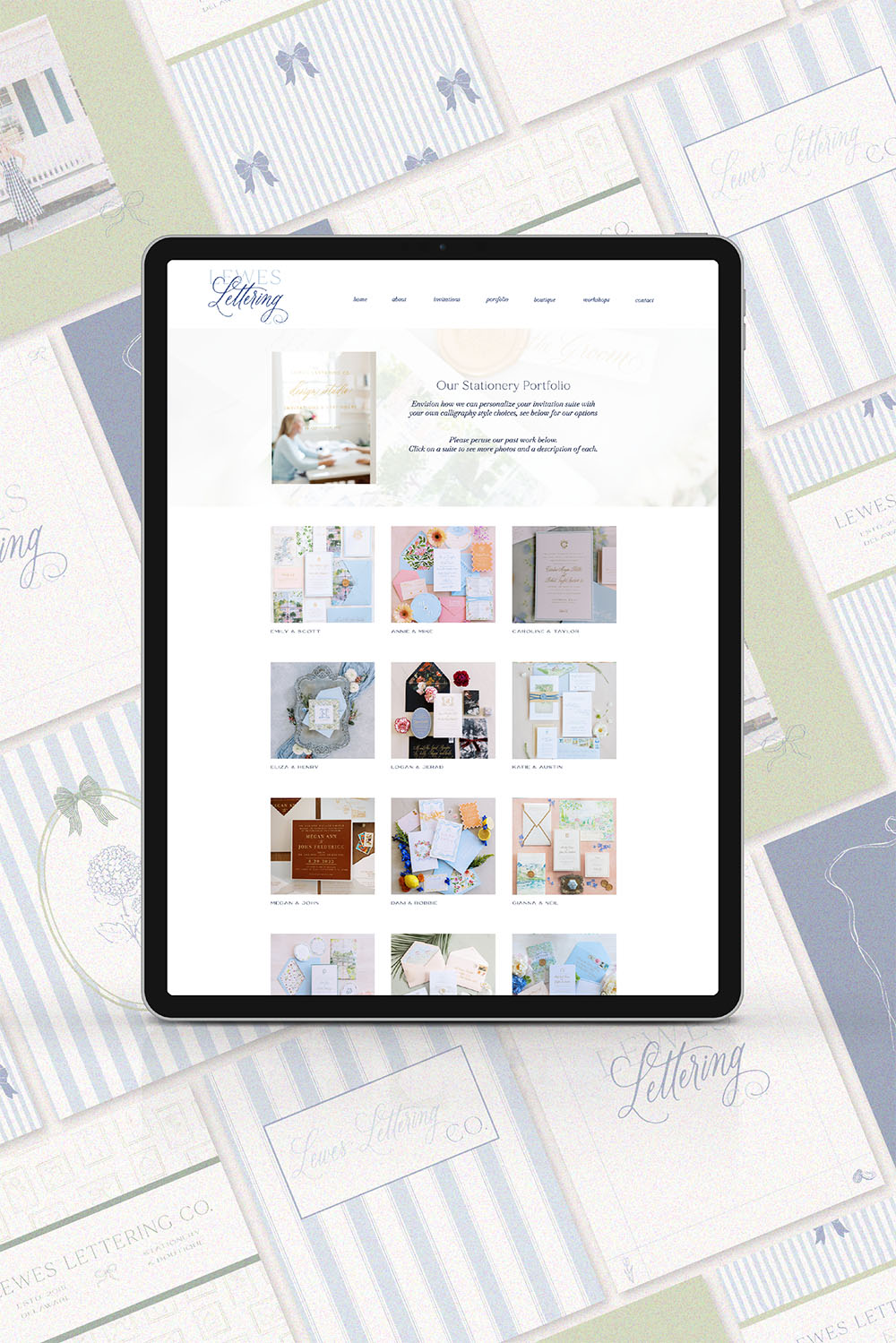
Getting potential clients to understand that you’re good at what you do and that you’re the right fit for them has as much to do with your website design as it does with the photos and copy you use. So, please, please, please take the time to make a great website that speaks to your specific audience!
***If you need a new website that is gorgeous AND strategically built to perform, check out my website templates or reach out to me to create a custom website for you. I’m on a mission to help you show yourself and your business in the best possible and most authentic way! ***
Now that you have a stunner of a website, we need to dig into the nitty gritty of how to make it as easy as possible for those highly interested potential clients to reach out to you. Here are 5 easy ways to get more leads through your website.
1. For heaven’s sake make your contact form simple.
My website clients have heard me say this about a hundred times. It’s easily one of the best ways to get more website leads. If your potential client has two tabs open (your business and a competitor) and is looking at both contact forms, they WILL fill out the shorter contact form with fewer required fields. Maybe, if they’re super interested they’ll fill out the longer form. Maybe.
The truth is we’re in a trust deficit, especially when it comes to things online. Requiring a lot of personal information from this potential client is, at best, creating a barrier of entry, and, at worst, looking like a suspicious personal invasion. So, when in doubt, make that contact form short and require only the bare minimum!
And is this frustrating as a business owner? Yeah, it can be. I love data. I think all business owners do. And, man, is it tempting to have a 20 question contact form where the person reaching out can tell you how they found you, exactly what they want from you, what they want to spend, when they want everything by, and basically give you a road map to propose exactly the right sale to them. But, y’all, if you have that massive questionnaire as a contact form, I guarantee you you’re missing out on leads.
Here is what you must require: name and email address. Maybe a phone number if you prefer to qualify leads by giving them a test. Any other required fields on a contact form is going to create barriers for your potential customers. If you want to add a couple extra questions, you’re welcome to. But try to limit it to no more than 5 fields beyond the required ones.
The Only Time I’d Say To Require More Info: If your business is booming, and you’re trying to weed out people who don’t fit your ideal client base (usually because of budget or project scope), then adding required fields is a great way to limit your leads to only those who fit what you’re looking for. But that is the only time I’d recommend a small creative business adding more required fields.
2. Put your freaking email address on your website.
Y’all, your business email is not a close, personal secret. It’s to do business. And I know we love our CRMs and their beautiful, beautiful automation, but more than that we love getting new business. So, quit trying to funnel everyone to your contact form.
All that to say, please put your email address on your website. Trying to get everyone to your contact form is a nice idea, but it could lead to your missing an opportunity. For instance, when media outlets want to feature your work, they will check out your site and look for a direct way to contact you. If it’s not there or not easily found, they will move on to the next business to feature. Or, a client may feel like the scope of their project is close but not a perfect match to your current work and want to set up a conversation. They don’t want to fill out a form not really suited to their needs. And, some clients just love hand-holding, and reaching out via your email makes them feel better. Will you then have to directly input them into your CRM? Probably, but you’ll also have them as a new client.
So put your freaking email on your website.
I recommend your email address going on your contact page and your website footer. Be reachable. Be available for opportunities.
3. Offer a free consultation.
Offering a free consultation is a great way to give really interested potential clients a method of skipping the email step and getting right to the point. It’s also the best way for you to make a sale. You have an invested audience and you can walk them through what you offer personally and professionally. Ideal!
While Calendly and other third party apps used to be the only way of doing this, you can now use your professional Google account to do this! Your web designer can connect your calendar to the backend of your website, allowing potential clients to set their own appointments.
I do recommend only offering this at limited times during your week, otherwise you’ll be interrupting your workflow constantly. Also, mention up front that it’s a brief consultation, and set it so that they can only have an appointment that lasts between 15-30 minutes. That way you can protect your time while still giving them your focus and attention.
Pro Tip: If you get a client on a consultation call, make your aim to be getting them to commit to your service (obviously). But, research shows that the best way to do this is by setting the next meeting during the first meeting.
Caveat: While I recommend this, especially if you’re just starting out or trying to grow your business, you will hopefully have to phase this out. I no longer offer complementary consultations because my pipeline is full. Now, if my pipeline slows down, this is absolutely going back on my website.
4. Offer a lead magnet to get email addresses.
This is not new. I know you’ve heard this before. But, let me ask – are you doing it? If the answer is no, you gotta get it done. If the answer is yes, but no one ever signs up, then you’ve got to get a new lead magnet.
Lead magnets take a little bit of upfront work on your part, but in the long run they can really grow your leads. If you offer a lead magnet (or freebie) that is uniquely interesting to your specific audience, you’re going to get a list of email addresses for potential leads.
Once you’ve got those email addresses, you have a captive, interested audience to sell directly to. You can’t just let those email leads sit there doing nothing though! You need to start showing your value to them. Think of these leads as a long sale, people who need a lot of touch points with you to build trust. But the good news is you can sell to all those people at once.
Start off with a nurture sequence for your email list. Meaning that as soon as someone subscribes it sets up an automated workflow. This will start with the email that delivers them the promised lead magnet. Then, send an email every couple of days (no more than 5 total though) that builds on that initial interest and explains how what you offer can help them achieve that. This will help keep your business in their mind.
In addition to the nurture sequence, they’ll also start getting your weekly or monthly newsletters. Overtime, you’ll hopefully become a trusted resource for them, and when they’re ready to purchase will be ready to work with you.
Pro Tip: A one time discount on products is a great lead magnet. You don’t have to create anything new, and we all love saving money.
5. Be sure to have an FAQ page.
Truthfully, an FAQ page is an indirect route to getting more leads. Adding your email address and simplifying your contact form are direct, clear ways to get your clients to come to you. But an FAQ page helps a specific group of potential clients, the reluctant ones.
We’ve all been a reluctant, potential client before. You know you need something, but you’re hesitant. Maybe it’s the cost or you can’t determine the right provider or you don’t know if what someone is offering is the best thing for you. Whatever the hesitation is, it creates a barrier between you and reaching out to a business.
Enter the FAQ page or section. Here you as a business can help make it easier for a reluctant customer to reach out to you. By addressing the most likely reasons someone *wouldn’t pick you, you can help them choose to pick you. It’s a really thinker of a section, and one that I would recommend you put real thought into.
I recommend addressing price: Why are you priced this way? Do you offer payment plans? Also, outright address the problem you solve so that reluctant customers can remember that they also have that problem and you can fix it. And if you’ve been in business for a while and get recurring questions in your initial consultations, this is a great place to put those along with your answers. By facing head on why people may walk away can actually help people determine to work with you.
Pro Tip: FAQ sections or pages can not only help clench a few more website leads indirectly, but they are also great for boosting your SEO. You’ve got to love a website element that speaks to both people and robots.
I firmly believe that your website should be a little workhorse for your business. It needs to be converting clients constantly, even while you sleep or get your nails done or go watch your kid’s game. That’s why I put so much effort into website design and strategies. I want your business to grow with website leads.

read the Most popular posts...


The Best Showit Website Templates for Interior Designers
entrepreneurship
DIY Scalloped Terra Cotta Flower Pot for Indoor Plants
DIY & crafts
A Hand Illustrated Brand Design With French Influence
ILLUSTRATION & Design
DIY Book Ornament Tree - Featuring My Love of Nancy Drew
Lifestyle


as seen in


see all press
Step into a joyful life fueled by your creativity.
I believe we are called to a life of creativity, and I’m trying to show up for that every day. When I’m not designing website templates, brands or illustrations, I’m getting my glitter shoes metaphorically muddy with my own artistic pursuits. I’m a maker, a quilter, a Christmas enthusiast, a baker, and a truly abysmal (but passionate) gardener.
Hi, I'm Emily.
join me in a life that is fun and fulfilling.
Check out my Creative Small Business Resource Library to access all of my favorite tools and programs that I use to run my business (and, let's be honest, my life). Just sign up for the newsletter below!
Join the creative adventurers club.
Sign up for my newsletter and get a heads up for future sales and delightful freebies that add a little joy, whimsy, and ease to your life and business.

and get a coupon for 25% off my shop!

Menu
support
Connect
Services
Art Licensing
Collaborate
Blog
FAQs
Tools & Resources
Showit Help Desk
THGC Showit Tutorials
Shop Return Policy
YouTube

Proud to be selected as a Showit Design Partner.
© 2019-2026 The Happy Ginger Company. all rights reserved. | site Credits | Terms & conditions | privacy policy | Return policy | affiliate program
Contact
shop
Showit Templates
Illustrations
Craft Patterns
Art Designs
